
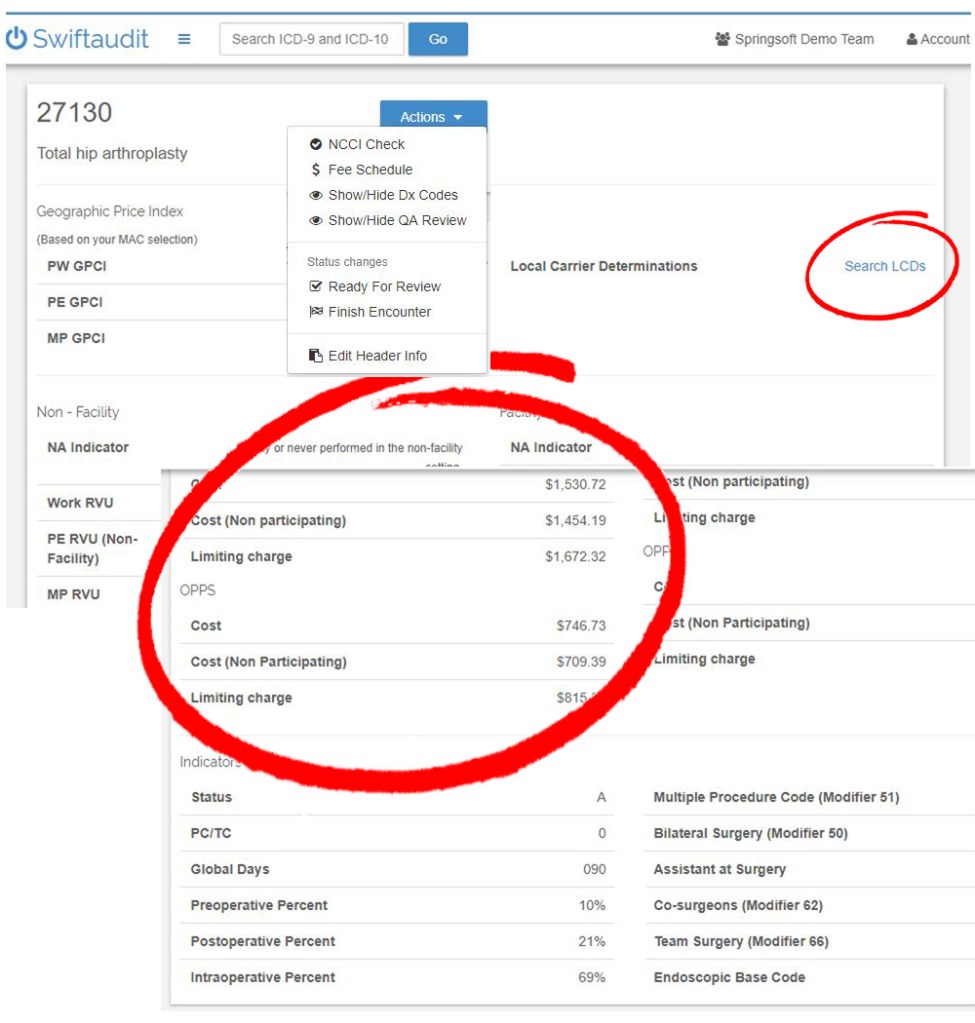
Swiftaudit gives you access to RVU and Physician Fee Schedule information with a quick click. You can access the RVU/PFS screens through the main navigation, or from the Actions dropdown menu in your Encounter Header.

Select your Medicare Locality and click Calculate.
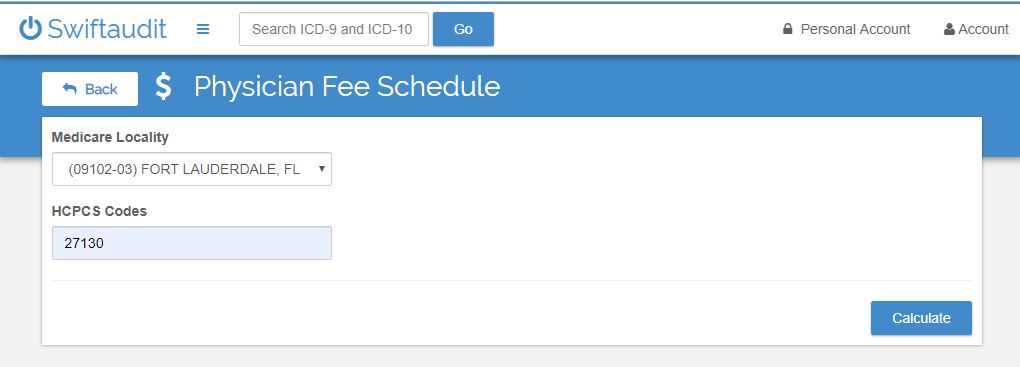
We’ll fill your screen with useful data, including:
- Geographic Price Index
- RVU and calculated Physician Fee Schedules
- LCDs
- Payment Indicators
- More…
Click on the displayed LCD and we’ll show you all the appropriate HCPCS codes that apply. Click on More Info for any LCD and we’ll link you to the official CMS site for comprehensive details.


Our goal is to provide auditors with a powerful toolset to make your job easier – we want to make you look good.
 Assistant